Configuration Backup
Scheduled configuration collection is the foundation the rest of the platform is built on: config changes, compliance, topology neighbors and config insight all read from the backup archive.
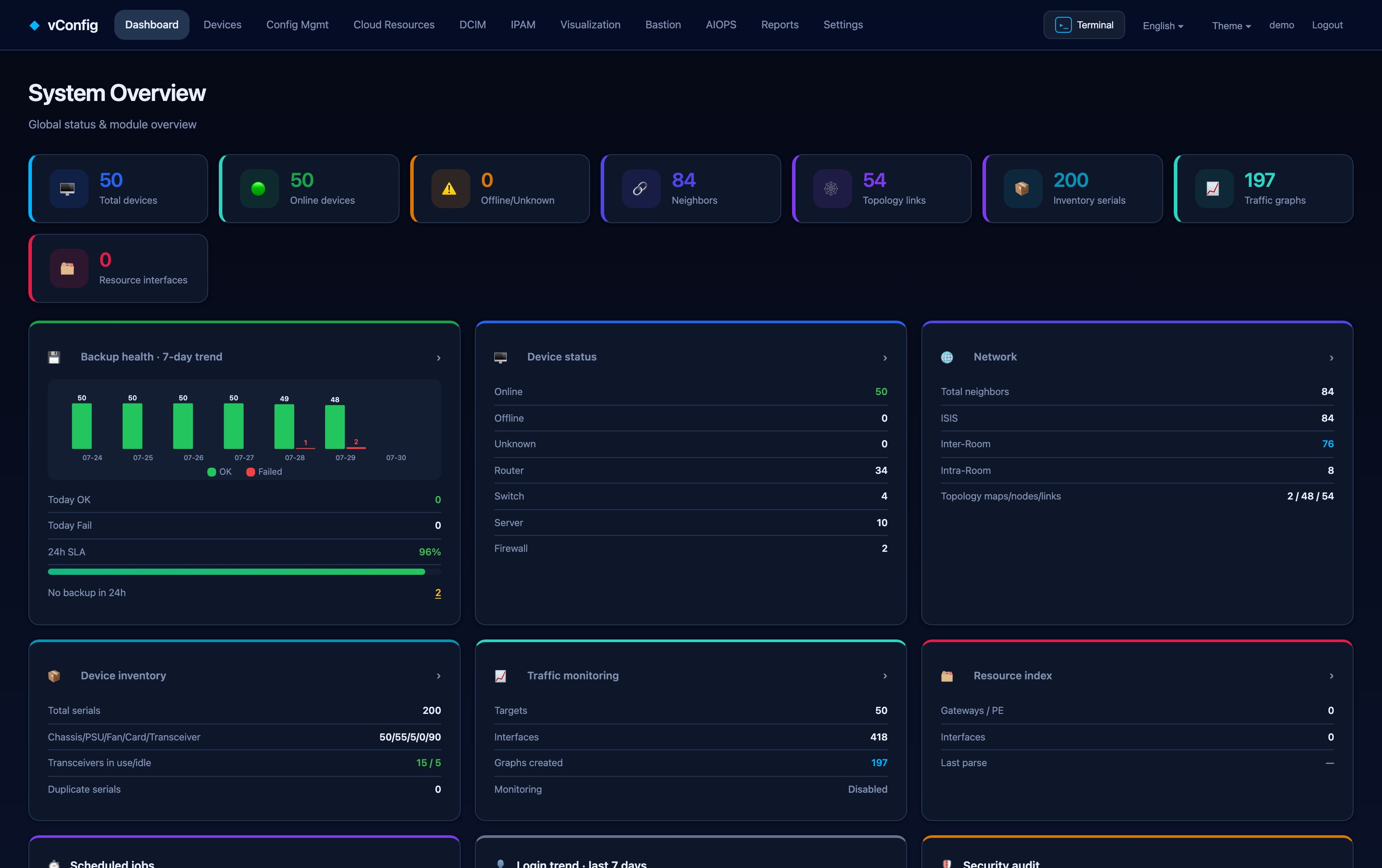
Running a backup
Config Mgmt → Backup tasks → Back up now, or let the schedule run. Each run is one job**, and the job list records execution time, type, who ran it, status, progress, success/failure counts and total duration.
Back up now at the top of the overview page runs the whole fleet. To back up a subset, filter the device list first — a failed device does not need the other four hundred to run again.
Retrying only what failed
When a run finishes with failures, the retry acts on the failed devices only. Re-running everything to fix three devices wastes an hour and hides whether the fix worked.
Where the configs go
Config Mgmt → Backed-up configs lists devices with their config file count; click through for that device's file list with backup time and size, and per-file compare, download and delete.
Comparing versions
Compare configs puts two versions side by side — version B (older, left), version A (newer, right) — with a Differences only toggle. Every diff view has a Copy difference commands button that gives you the change as commands, which is what you actually paste into a ticket.
Settings that matter
Settings → Backup settings:
| Group | What to look at |
|---|---|
| Backup schedule | When, how often, and which groups |
| Config change detection | Turn change tracking on, and tune the noise filter |
| Connection & credentials | Global credentials and the SSH ⇄ Telnet fallback switch |
| Bastion | Whether backups route through the bastion |
| Timeout & concurrency | Raise concurrency for a big fleet; lower it if devices complain |
| Interfaces & Git repository | Enable the Git-backed archive |
Git-backed history
Enable Git repository and every backup batch becomes a commit in a local repository. You get git log semantics over your network's history — useful in audits and postmortems, and it costs nothing but disk.
Retention
Old configurations are pruned on the retention policy in Settings → Log settings. Keep enough history to cover your longest audit window; configuration text compresses extremely well, so this is rarely the constraint people expect.