Config Insight
Config Insight reads the running configuration and reconstructs the business ledger hiding inside it: which customer is on which interface, at what bandwidth, under which service code.
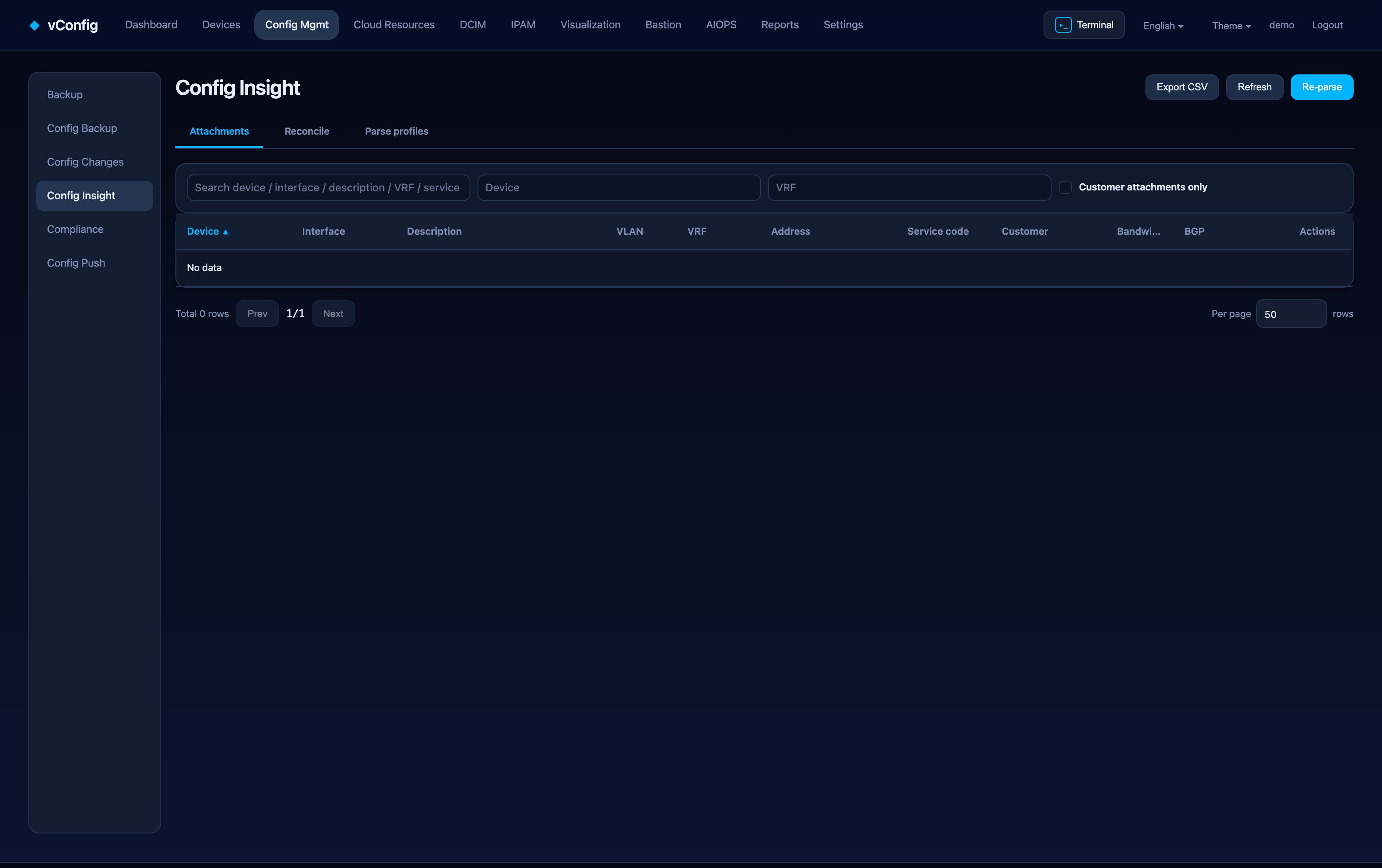
Most operators maintain that ledger by hand in a spreadsheet, and it is wrong within a month. The configuration, by contrast, is never wrong — it is what the network is actually doing.
Three tabs
| Tab | Purpose |
|---|---|
| Service inventory | Device, interface, description, VLAN, VRF, address, service code, customer, bandwidth, BGP — derived from configuration |
| Ledger reconciliation | Configuration-derived facts against your IPAM records |
| Parse profiles | The rules that turn raw configuration into the columns above |
Tick Customer-facing only to hide backbone and infrastructure interfaces. Export CSV takes the current view out.
Parse profiles
A profile decides how business meaning is extracted:
- Service code regex — how a service identifier is embedded in interface descriptions,
- Rate-limit policy regex — where committed bandwidth is expressed,
- QoS class mapping, device role, and interface exclusions.
Because it is a profile rather than code, moving to a different operator's naming convention means editing this page, not opening a support ticket.
Dry run
Paste a real snippet of configuration into Dry run and see immediately what the profile extracts. This is much faster than running a full parse to find out a regex was off by one character.
Business-system lookup
Once a service code is extracted, vConfig can call your own business system to resolve the customer name and contracted bandwidth. You configure directory type, base URL, URL template, auth header, and which fields hold the customer name and bandwidth — again, no code change to point it at a different back office.
Reconciliation
The reconciliation tab compares facts derived from configuration with records in the ledger and lists the differences.
Differences are evidence, not verdicts
A prefix that exists in the configuration but not in the ledger might be a missing ledger entry — or leftover configuration that should have been removed. vConfig shows you the difference and leaves the judgement to you. Anything that auto-corrected one side from the other would eventually corrupt both.