DCIM & Racks
DCIM is the physical layer: rooms, zones, racks, U positions, PDUs, ports and cables.
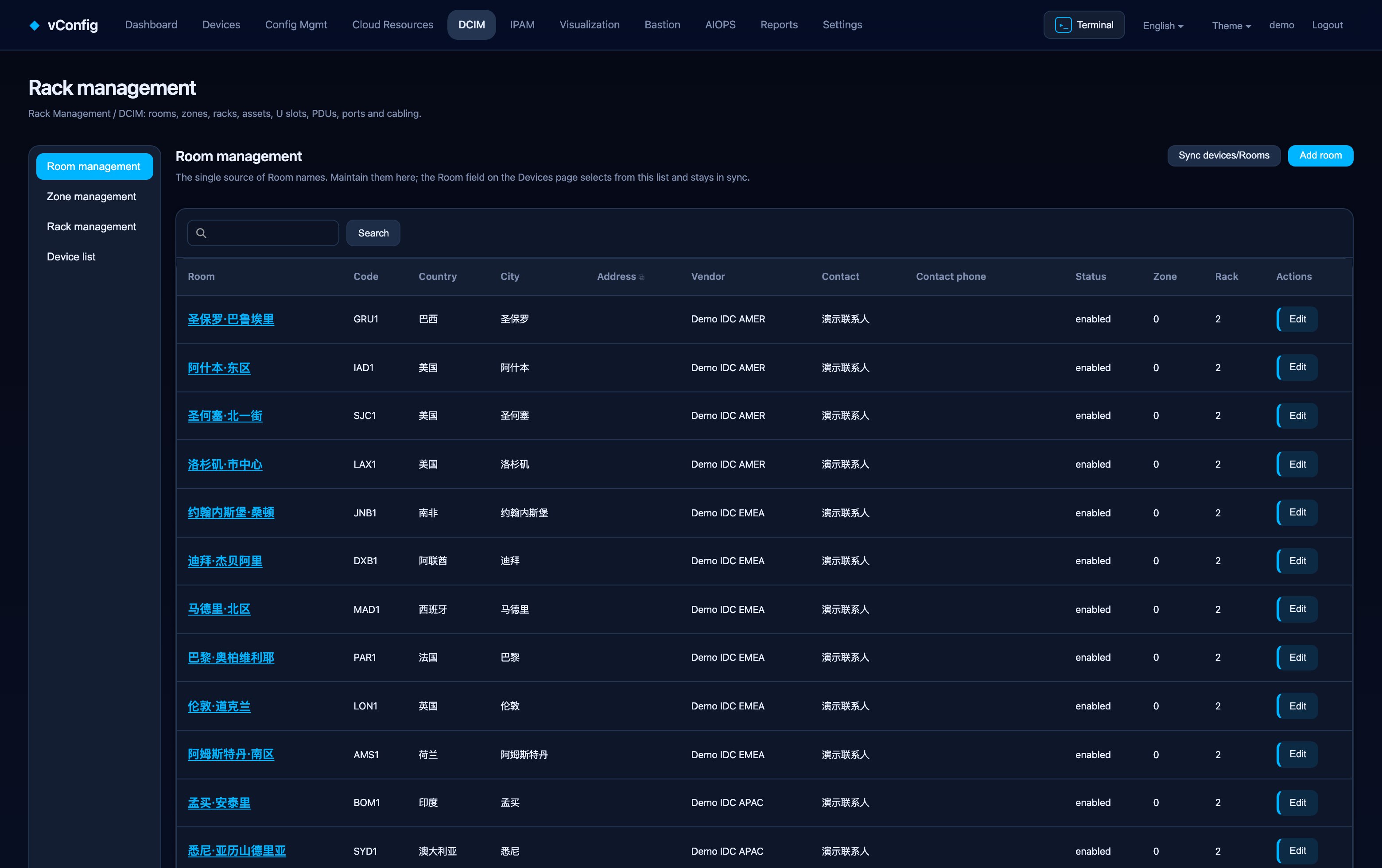
Hierarchy
Room → Zone → Rack → Device at a U position.
| Level | Fields |
|---|---|
| Room | Name, code, country, city, address, provider, floor, room, contact name / phone / email, status, notes |
| Zone | Belongs to a room; name, code, row number, hot/cold aisle, notes — this is where rows, PODs and containment live |
| Rack | Belongs to a zone; name, number, height in U, U direction (bottom-up or top-down), rated power, rated load, status |
| Device | Name, type, vendor, model, serial, asset tag, management IP, room, rack, starting U, weight, status |
Rooms are the single source of truth for data center names. The Data center field on a device in Device Management picks from this list rather than accepting free text, which is why "SHA1", "sha-1" and "Shanghai 1" never become three sites.
List view and rack view
The device list defaults to a table. Switch to rack view for a graphical U-position layout with drag-and-drop mounting. There is also a 3D view, full screen and export image for handing a layout to a field engineer.
Where devices come from
Network devices are synced from Device Management — edit and delete them there. Sync devices/rooms refreshes the link.
Add devices directly in DCIM for rack assets that are not network devices: PDUs, ODFs, patch panels. Those need height, power and weight, which the network inventory does not carry.
Alerts
The Alerts button surfaces physical-layer problems: over-committed power, over-loaded racks, U-position conflicts. These are the failures that are obvious in a spreadsheet audit once a year and invisible the rest of the time.