Log Center
The log center is the unified view of everything the platform records or receives.
Categories
| Category | Contents |
|---|---|
| Device logs | Syslog received from your devices |
| Alert rules | Rules that raise an alert from a log pattern |
| Drop rules | Patterns discarded before storage |
| Senders | Which devices are sending, and at what rate |
| Log insight | Pattern analysis across the stream |
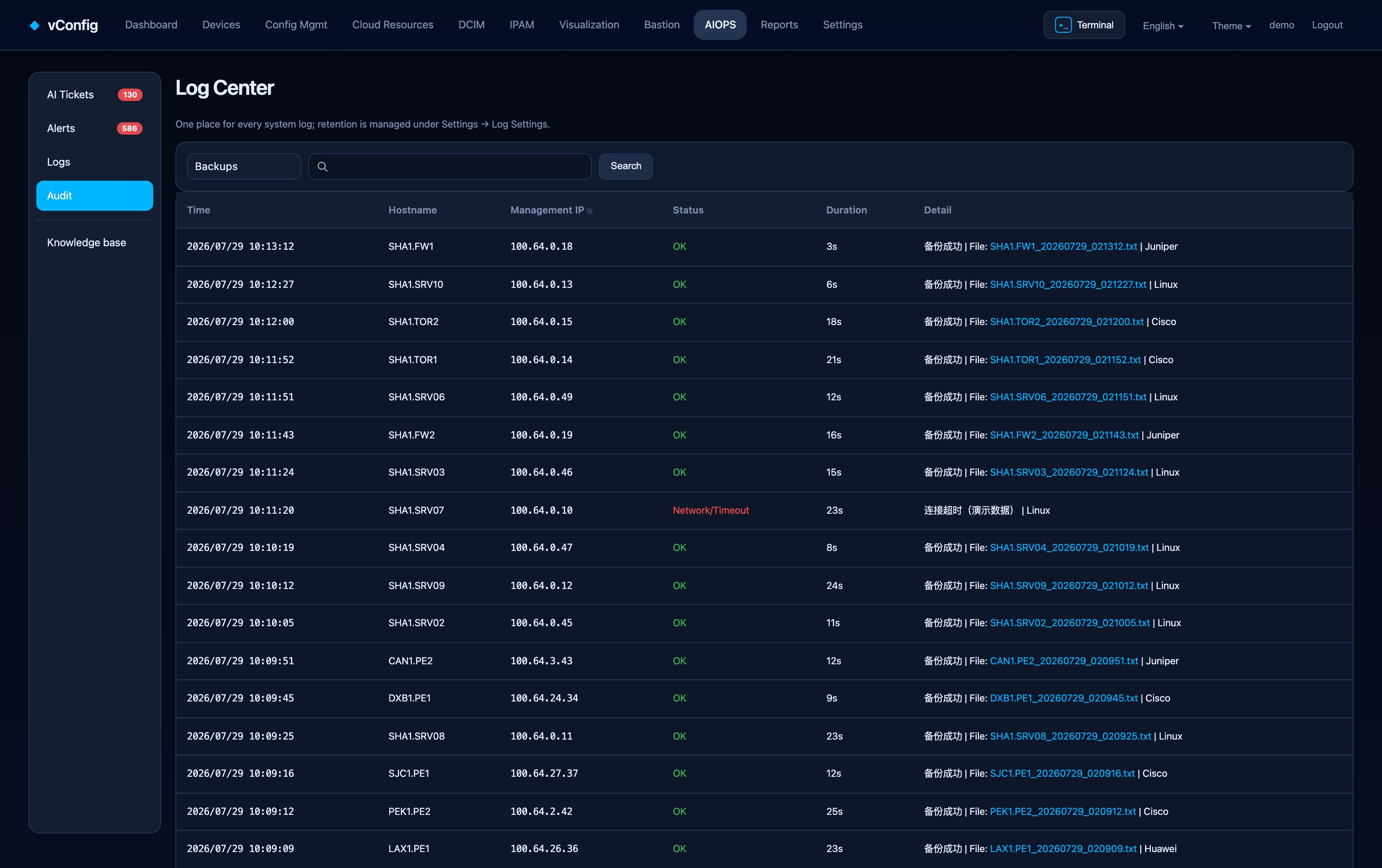
Backup logs have their own page under Config Mgmt — job time, hostname, management IP, device type, status, duration and the resulting config file, with a failures only filter.
Receiving syslog
Point your devices' syslog at the vConfig host on UDP 514. Senders appear on the Senders tab as soon as messages arrive, which is the quickest way to confirm a device is configured correctly.
Drop rules
A busy fleet produces a lot of log nobody will ever read: link flaps on lab ports, debug left enabled, chatty authentication messages. A drop rule discards those patterns before storage, with a keyword list and a purge action for what already landed.
This is not just about disk. Log insight and alerting both get better when the noise floor is lower — a pattern that fires ten thousand times an hour drowns the one that fires twice.
Log insight
Log insight groups the stream by pattern rather than by line, so a thousand near-identical messages become one row with a count and a timeline. That turns "read the log" into "look at what changed".
AI log analysis can summarise a window and propose causes; Re-analyse re-runs it. The data-handling rules are the same as AIOps — masking is enforced before anything leaves the network, and local endpoints keep the data inside it entirely.
Retention
Retention is per category under Settings → Log settings, with Clean expired logs by retention to apply it now.